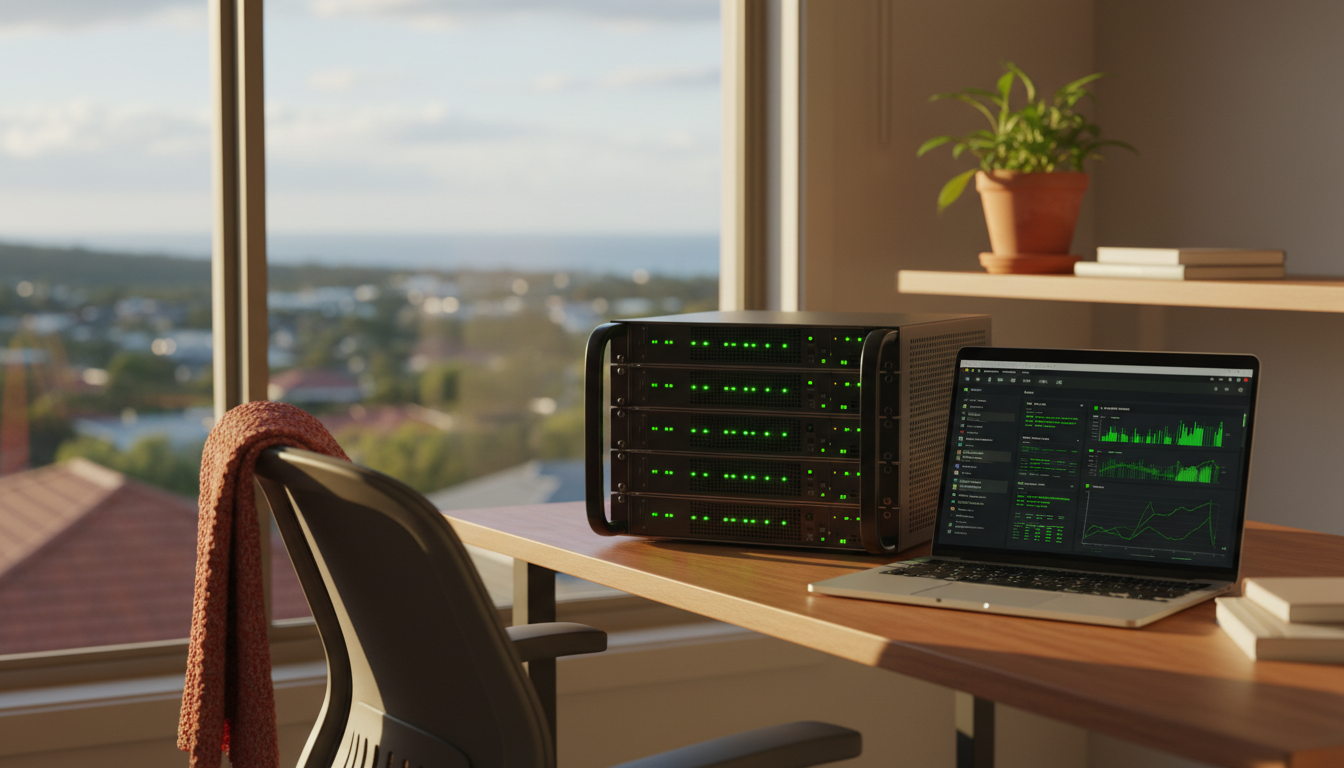
You self-hosted n8n to save money and keep control of your own data. That part works. The part nobody mentions at setup is self hosted n8n support: who answers when a workflow silently stops at 2am, or an update breaks something that was fine on Friday. If you are running n8n yourself, this is the conversation worth having before something breaks, not after.
Self hosted n8n support starts with knowing what you own
When you self-host, you are not using n8n as a managed service. You are running it on your own infrastructure, whether that is a cloud server, a VPS, or your own hardware. That means the server, the database, the updates, the backups, and the security settings are yours to manage. n8n’s own documentation is clear that self-hosting can be done through Docker, Docker Compose, a one-line setup script, or a cloud provider like AWS or Azure, but every one of those paths still ends with you holding the keys. Nobody is coming to check on it unless you set that up yourself.
That is not a reason to avoid self-hosting. Plenty of small businesses do it well, particularly if someone on the team has a reasonable comfort level with servers and is happy to own the maintenance. But self hosted n8n support is a real job, not a one-off setup task, and it helps to be honest with yourself about whether that job has an owner.
The parts you are actually responsible for
A self-hosted n8n instance needs enough CPU and RAM to handle your workflow volume, a database that is backed up on a schedule you trust, environment variables and security settings configured correctly, and a plan for applying updates without breaking live workflows. None of this is exotic. It is closer to looking after a small shop: you check the locks, you check the stock, you notice when something looks off before a customer does. The difference is that nobody notices a broken automation until an invoice does not go out or a lead does not get followed up, and by then it has already cost you something.
The n8n community forum’s own advice to beginners is blunt about this too: you need a server, you install with Docker, and from there the ongoing care is on you. That is fine advice for someone testing a hobby workflow. It is a thinner safety net for a business running client onboarding or invoicing through it.
n8n uptime and infrastructure monitoring: what to actually watch
If you are self-hosting, uptime is not something that happens to you. It is something you build. At minimum, you want visibility on whether the n8n service is actually running, whether the server has enough memory and disk space left, whether the database is reachable, and whether scheduled backups are completing rather than silently failing. A workflow that fails quietly is worse than one that fails loudly, because the loud failure at least tells you something is wrong.
n8n uptime and infrastructure monitoring does not need to be complicated. A simple health check that pings your instance every few minutes and alerts you by email or SMS when it does not respond is enough to catch most problems before a client does. What it does need is someone who checks the alert and acts on it, ideally within the hour rather than the following fortnight. An alert nobody reads is not monitoring. It is decoration.
When a license key or edition choice complicates things
n8n runs as the free Community edition by default. Add a Business or Enterprise license key and you unlock a different set of features, which also changes what you are supporting. If you are not sure which edition you are running, or why, that is worth sorting out before you need support rather than during an outage. The same goes for npm installs, which n8n has flagged as a deprecated path from version 3.0 onward in favour of Docker Compose or the one-line setup. If your instance was set up a while ago on an older method, it is worth checking it is not quietly running on a path n8n itself is stepping away from.
Signs it is time to stop DIY-ing it
There is a moment, usually around the third time a workflow fails silently over a weekend, when self-hosting stops being a cost saving and starts being an unpaid second job. If you are spending more than an hour or two a week keeping the server healthy, if nobody on your team actually enjoys reading server logs, or if a client has ever noticed a problem before you did, that is the signal. None of that means n8n was the wrong choice. It usually means the hosting side needs a different owner.
This is exactly where a lot of businesses land somewhere between fully DIY and fully managed, which is why we wrote about the difference between Support Plus and Pro for self hosted n8n, because the right level of support depends on how much of this you actually want to own versus hand off.
n8n hosting Australia: where managed support fits in
We run managed n8n hosting on Kubernetes infrastructure with a 99.99 percent uptime target, flat pricing with no cap on executions, and no lock-in contracts, because the whole point of automation is to remove busywork, not add a new category of it. Support comes from Australia, during Australian hours, from people who have actually run production n8n instances rather than read about them. We have done this for more than 300 businesses across Australia, New Zealand, and beyond, including practical case work like MCG Quantity Surveyors and the Australian Writers’ Centre.
If you are weighing up n8n against other automation tools in the first place, that decision shapes how much support you will need later, and it is worth reading our take on n8n versus Zapier and Make for a small team before you commit to a platform.
Self-hosting n8n yourself is a perfectly good choice when someone actually owns the upkeep. The trouble starts when nobody does, and the business finds out during an outage instead of before one.